Mimics
Primary Introductory
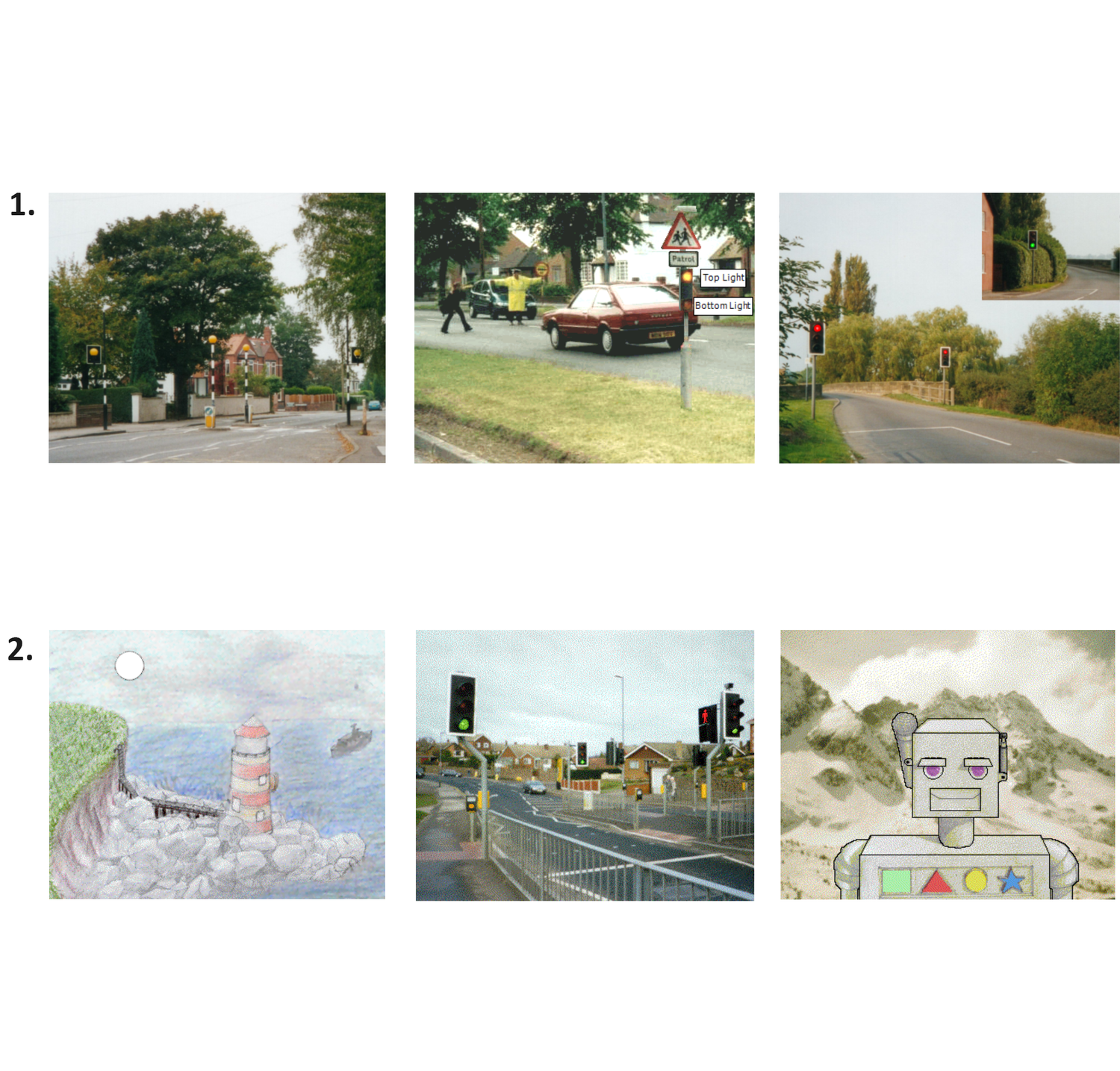
1. The first few mimics introduce the idea of simply controlling one, two and then six lights (outputs), in an appropriate way to make our roads safer.
2. Digital inputs are then added to operate several events within the same control situation. Subroutines are also employed to ensure compact and efficient programming.

Primary Intermediate
3. Controlling motors (forward
and reverse) are then applied to mechanisms. Responding to analog inputs (temperature & light sensors) also helps to control the multifunctional features of an Automatic home or Greenhouse.
4. Using Variables then becomes a useful tool to count and control. Different motor speeds can also be investigated and responding to the virtual inputs, triggered by the mimic itself, brings extra realism to the simulation.
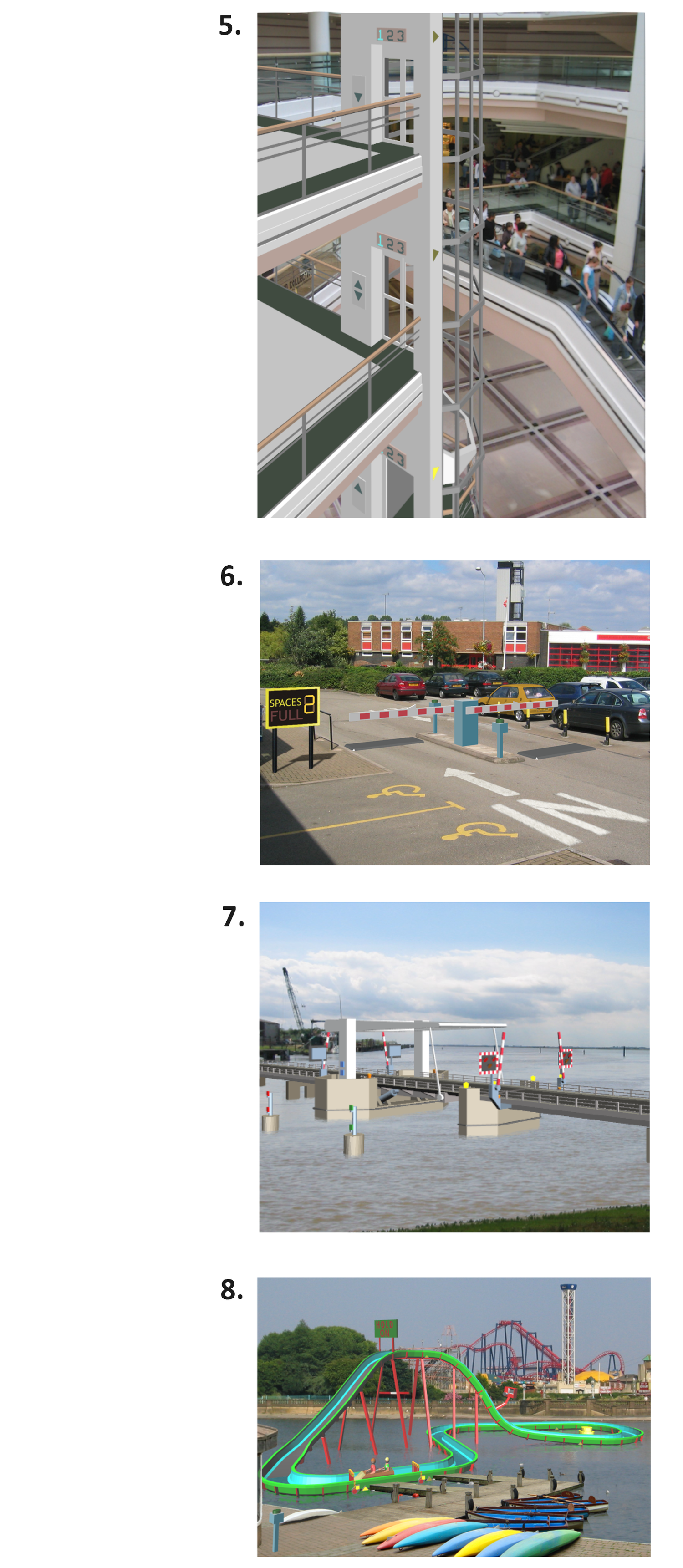
Secondary Mimic 3D
5. The Car Park gives students the opportunity to explore the control features of car park barriers. Input switches on the ticket posts and pressure mats can be used to operate the articulated barrier. A variable
can be used to count the cars [in and out]
6. The Bridge gives students the opportunity to explore the operation and safety features of a lifting road bridge. The beacons and road signals can be controlled and the left and right road barriers operated separately. The main bridge and barriers each have virtual input switches to detect when they are fully open or closed.
7. The Lift gives students the opportunity to explore the control features of a lift. The position of the lift is detected by virtual sensors on each floor. These can be used to stop the lift accurately and operate the floor indicator lights. By combining the inputs from the call buttons and position sensors, the lift's movement can be controlled. When the doors operate, warning messages can be added by using the sound files included with the mimic.
8. The Flume gives students the opportunity to explore and control the excitement and safety of a theme park ride. The sign, camera and fountain can be activated by the virtual inputs tripped by the moving logs. The log movements can be controlled by gates and feedback switches.